Technology PowerPoint Template: Modern Slides for Professionals
First impressions in a business setting often rely on visual clarity. When you are preparing a pitch deck, a quarterly report, or a keynote speech, the standard default templates in PowerPoint usually feel outdated. This is where the Technology PowerPoint Template from Sky Creation steps in. It is designed to bridge the gap between basic functionality and high-end design aesthetics. If you have ever struggled to align text boxes or find the right color scheme, this specific set of 57 unique slides offers a streamlined solution for creating a brand identity that feels cohesive and modern.
Visual Style and Design Personality
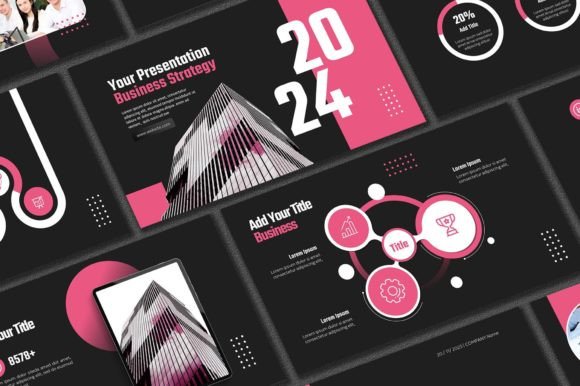
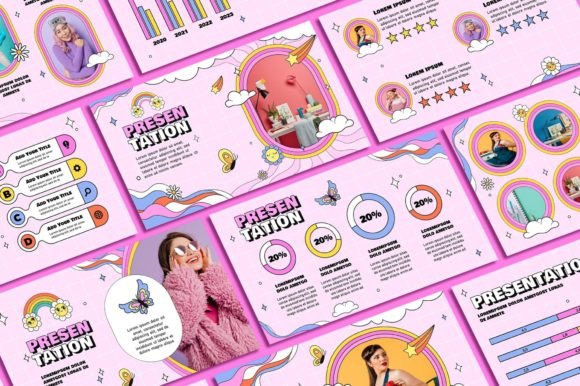
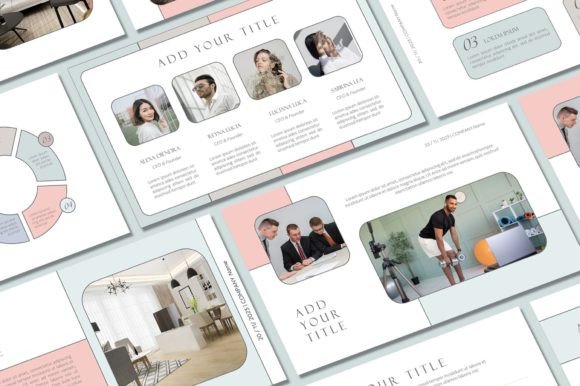
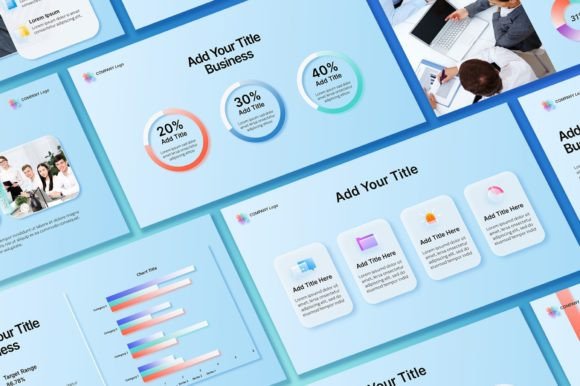
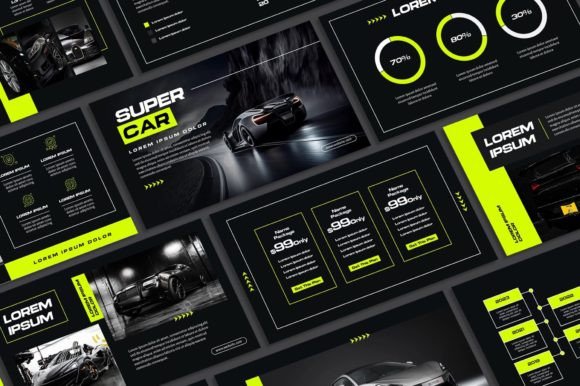
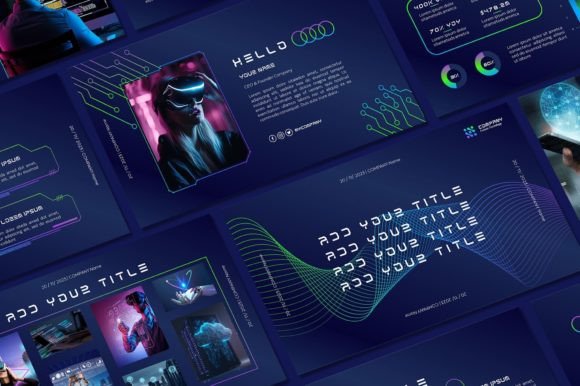
The visual language of this collection is rooted in futuristic aesthetics and clean geometry. Unlike generic templates that rely on clipart, this design asset uses dark, moody backgrounds paired with vibrant accent colors—often neon blues, cyans, or purples—to create high contrast. This specific style is characteristic of the tech industry, but it translates well to any sector wanting to project innovation. The layouts utilize negative space effectively, ensuring that your content does not feel cluttered.
The personality of the slides is professional yet bold. It avoids the stiff, corporate rigidity of 1990s business slides. Instead, it embraces modern typography principles. The text hierarchy is clear, using heavy weight headers to draw the eye and lighter weights for body copy. This ensures that whether you are displaying data charts or a mission statement, the visual hierarchy guides the audience naturally. The typeface choices included in the pack are critical here; they support the sleek look without sacrificing readability on a projector screen.
Practical Applications Across Industries
While the name suggests a focus on the tech sector, the utility of this Technology PowerPoint Template extends far beyond software developers. For marketers and entrepreneurs, these slides provide the structure needed for investor decks. Investors look for clarity and confidence; a well-designed slide suggests a well-run business. The 16:9 aspect ratio is the standard for modern displays, ensuring your presentation looks crisp on wide screens without black bars.
Graphic designers and freelancers can also leverage these assets for client work. Instead of building a deck from scratch for every client, you can start with a premium base and customize it. The inclusion of over 400 free icons is a massive advantage here. Icons are essential for breaking up text-heavy slides and illustrating abstract concepts quickly. Whether you are designing for a healthcare startup, a financial firm, or a creative agency, the versatility of the icons allows you to adapt the style to fit various brand identities.
Customization and Workflow Efficiency
A common frustration with premium fonts and templates is the difficulty of editing them. Sky Creation has addressed this by making all graphics resizable and editable. This means you are not locked into the original layout. If you need to move a graph or resize a photo placeholder, the vector elements adjust without pixelating. This flexibility is crucial for content creators who need to maintain consistency across different projects.
The workflow is designed to be intuitive. Once you download the file, the process involves installing the specific fonts provided. This step is vital for maintaining the intended visual hierarchy. If you substitute a standard font like Arial for a specialized sans serif font included in the pack, the "futuristic" feel can diminish. Following the video tutorial ensures that the font pairing remains balanced. You can easily swap out the background colors to match your specific corporate palette, ensuring brand consistency.
Key Features for Content Creation
- Scalability: The vector-based graphics mean you can resize elements for social media graphics or web design mockups without losing quality.
- Asset Library: With over 400 icons, you have a comprehensive library for packaging design concepts or editorial design layouts within the slides.
- Compatibility: The requirement for Microsoft PowerPoint/Excel ensures that the files are accessible on standard business hardware (PC/Laptop).
Evaluating the Fit for Your Project
Before investing in a creative font or template pack, it is important to evaluate if the style aligns with your message. The Technology PowerPoint Template works best for topics related to innovation, future trends, data analysis, and digital services. It might feel out of place for a rustic bakery brand or a vintage clothing line. However, for a small business owner pitching a new app or a blogger presenting traffic analytics to sponsors, it is an ideal fit.
Consider the readability of the slides in your specific environment. While the dark backgrounds look striking on a laptop screen, they can sometimes be challenging in brightly lit conference rooms with poor projectors. Testing your content in the actual venue is always recommended. The Technology PowerPoint Template offers enough variety in its 57 slides to allow you to choose lighter variations if necessary, though the core aesthetic leans towards the darker, high-contrast end of the spectrum.
Ensuring Brand Consistency
Using a template does not mean your presentation will look generic. The key is how you edit it. By uploading your own photos and logo, you transform the generic "tech" look into a personalized brand identity tool. The modern typography acts as a supporting frame for your content, not the main event. This balance allows your message to remain the focus while the design elevates the professional feel.
Final Thoughts on Professional Presentation Design
In the world of digital marketing and business development, the tools you use reflect your attention to detail. A disjointed slide deck can distract from a great idea. Conversely, a cohesive, professionally designed presentation builds trust before you even speak. The Technology PowerPoint Template provides a robust foundation for anyone looking to upgrade their visual communication. It removes the friction of design, allowing you to focus entirely on your narrative and your audience.